
Open the official website yourself
Enter sanef.com in your browser and follow its payment process with the vehicle information ready. An occasional payment does not require a customer account. Afterwards, keep the receipt with your travel documents.
With Flux libres
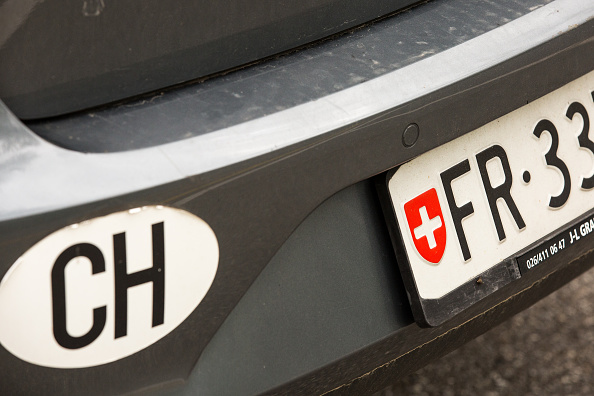
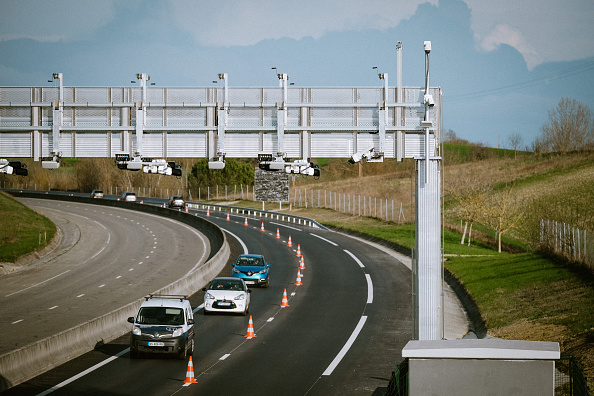
After driving on the A13 or A14, check your plate and its country on Flux libres. Review the Sanef result, then open the official website to check the details and pay. The search does not make any payment.
Check my tollsAn account alone does not activate payment
Sanef lets customers save a plate and card, then choose automatic payment. Check that this option is enabled. If you only created an account, review unpaid crossings before assuming the journey is settled.
Follow up a missing crossing
Sanef explains that information is not always available immediately. Check again later while leaving time before the deadline. If nothing appears despite a crossing you know you made, contact official assistance with the date, plate and route.
Notifications and details are separate services
Enable the “Péage à payer” notification for the vehicle under “Mes véhicules”. Detailed journeys may require declaring yourself the main driver and supplying evidence. A notification prompts you to act; it does not make the payment.
Paying at a local shop
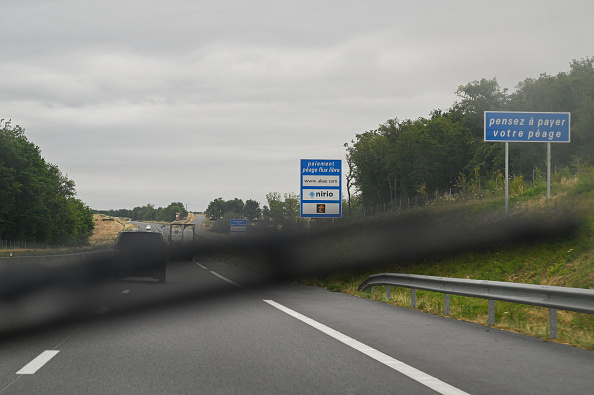
The approved Nirio network also accepts Sanef free-flow payments. Find an open shop before setting off and have the plate ready. Ask for a receipt and make the same checks for crossings on the return journey.
Official sources
Check the latest information from official bodies and operators, along with the legal texts cited.